ChatGPT branching conversations: how the feature works, and where the branches go
ChatGPT can branch a conversation from any reply, and the branch opens as a separate chat. Here is how the feature works, where the branches end up, and what a map does instead.
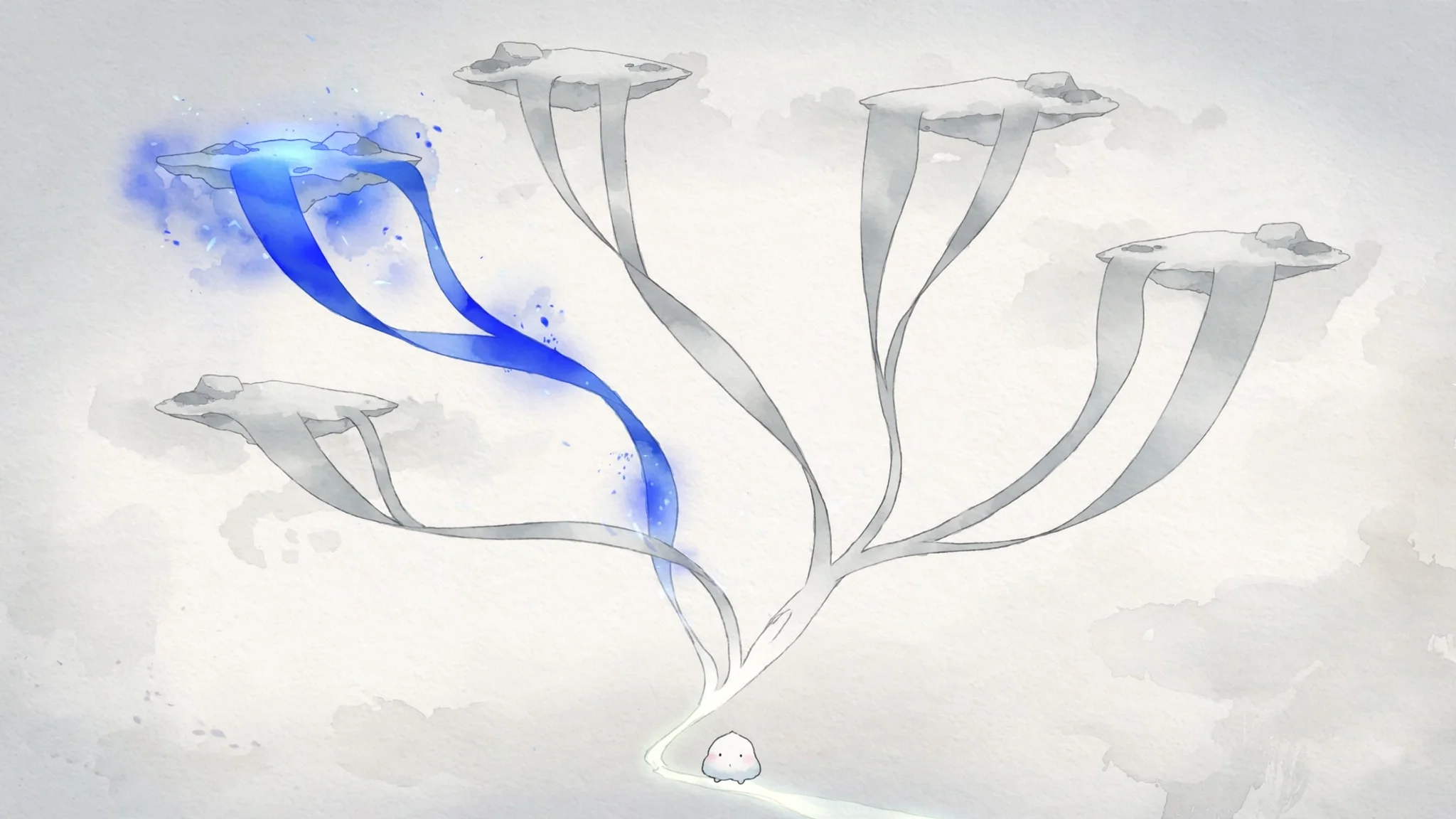
How to branch a ChatGPT conversation
On the web, hover a reply and open the ⋯ menu: Branch in new chat sits next to Read aloud. The new chat opens in a new tab and carries everything up to the message you chose; the original thread stays exactly as it was. On iOS and Android, long-press the message and tap Branch in new chat. Free accounts have it too, which is why the most useful thing OpenAI shipped that month got the least noise.
Splitting a chat like this is a good instinct, and it took a public nudge to get it: a user asked OpenAI in 2025 to "let us branch off from chats at specific points without losing the node we branched off from", and BGR reports the post was seen over a million times before the feature landed. Most real conversations drift: you start with one question, a second task shows up, you want a different tone, and by message thirty you're scrolling back to find the answer that was right the first time. Branching says: keep your place, keep the context, go try the other thing.
What the branch can't do
A branch is a new chat in your sidebar, and from that moment on it's just another chat. Nothing marks where it came from, so three days later you're looking at "Voice memo from transcript" and "Voice memo from transcript (2)" and guessing.
- Branches don't sit together. The original is one sidebar entry, the branch another, in a list sorted by recency. Comparing two drafts means two tabs and your memory.
- The branch carries all of it. Everything before the split comes along, including the dead ends you were hoping to leave behind, and there's no way to say "take the folder, the stack, and nothing else".
- There's no map afterwards. ChatGPT has Projects to group chats, which helps you find them, but a project is a folder, not a tree: it can't tell you that one chat is the third attempt at the same paragraph.
- Versions are worse than they were. Editing a prompt or regenerating an answer used to give you ‹ 1/2 › arrows under the message. Through 2026 those arrows disappeared for many accounts, and OpenAI's support calls that expected behaviour; older versions now live behind a see-versions panel when you can find it at all (thread). Whichever way your account is behaving, it's one version visible at a time, and none of them is on a map.
So the feature answers "let me try something else". It doesn't answer "let me see what I tried".
Where Naoday differs
Naoday is a map of messages: each one hangs from another, any of them can start a branch, and whoever answers reads only the path from your message up to its root.
| ChatGPT | Naoday | |
|---|---|---|
| Another option | "Branch in new chat", a separate chat | A branch from any message, in sight |
| The branches | Sidebar entries, sorted by date | Drawn beside each other, from the same message |
| What a branch reads | Everything before the split | Only its own path |
| Another model | ChatGPT, or Codex elsewhere | Nao, plus Claude Code and Codex on your Mac, per branch |
| With others | Shared projects and group chats | A tree shared by email |
- Any message, any number of branches. Tap a message and write below it: your new question hangs beside what was already there. Ten attempts at one paragraph is ten branches in a row, not ten chats.
- Each branch reads only its path. The third option doesn't carry the first two, so context stays the size of the idea. Cite another branch when you want its conclusion in.
- Notes in the same place. ⌘↵ leaves a note nobody answers, and what you write on a message holds for everything below it: a note saying "answer in Spanish" sets the tone of that branch.
- Shared, live. Add someone by email and you write in the same tree, each on their own branch.
- Codex on your ChatGPT plan. On the Mac app, Codex answers any branch, in your folder, with the ChatGPT account you already have — so keeping ChatGPT for its all-in-one app and branching projects in Naoday isn't a trade, it's a split.
The full comparison covers the rest, including what ChatGPT does better.
FAQ
Is branching free in ChatGPT? Yes, it's on free accounts, on web and in the mobile apps.
Does the original chat change when I branch? No. The branch is a copy of the conversation up to that message in a new chat; the original stays untouched.
Can I see two branches at once? Not in ChatGPT. That's the gap the feature leaves, and the reason I built a map.
Is there an alternative for other models? In Naoday's Mac app, Claude Code and Codex answer on their own branches, one session each, so you can ask Claude on one branch and Codex on the next.
If what you miss is seeing every branch at the same time, try Naoday: the Free plan is enough to branch, and your ChatGPT subscription still pays for Codex.
Checked against the ChatGPT release notes, BGR on the web launch, TechRadar on the iOS and Android rollout and the OpenAI community thread on message versions, on Nov 18, 2026.